Introduction
About AiFi Console
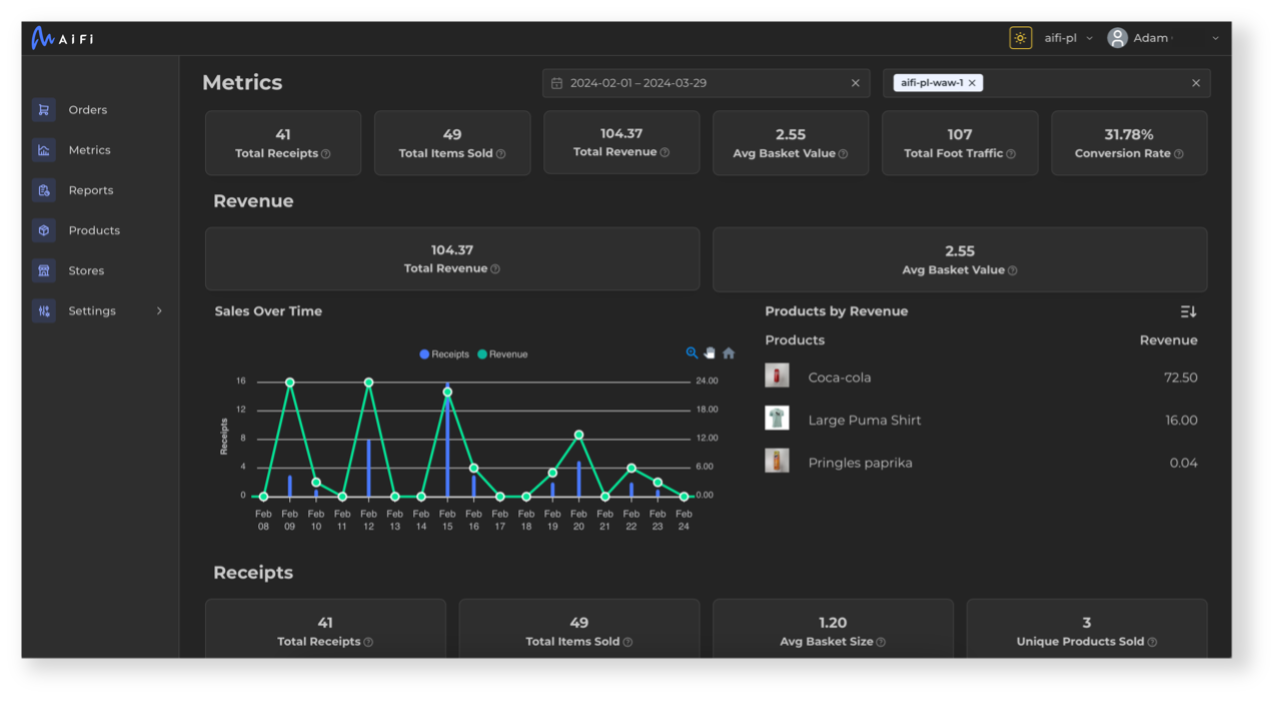
The AiFi Console (AC) is an all-in-one platform for monitoring and managing your AiFi-powered stores. It allows you to access orders, review shopping sessions, monitor store metrics, generate sales and tax reports, manage products, operate stores, and administer access to AiFi Apps for your staff.

This guide contains detailed explanations of each feature to help you use the AiFi Console.
Support
If you have questions or need access assistance, please contact our support team.
How is this guide?
customer left a store POST
AiFi system shall call this webhook when a customer left a store. This webhook is intended to be only informative: no response is parsed and no action is taken regardless of the response. **IMPORTANT NOTE**: This event is going to be triggered for **every person from the group** that entered on the account of the provided customer. As an example for a group of 2 people that enter together on a single app you get the exact same push notification twice with ```customer``` field being the person that app was registered for after each person has left the store. **Note**: as an integrator the URL you specify for transitions webhooks will be re-used for all transitions actions. For example if you specify "http://example-retailer-api.com/webhook" then "http://example-retailer-api.com/webhook/entered" will be called in this case.
Release Notes
Next Page